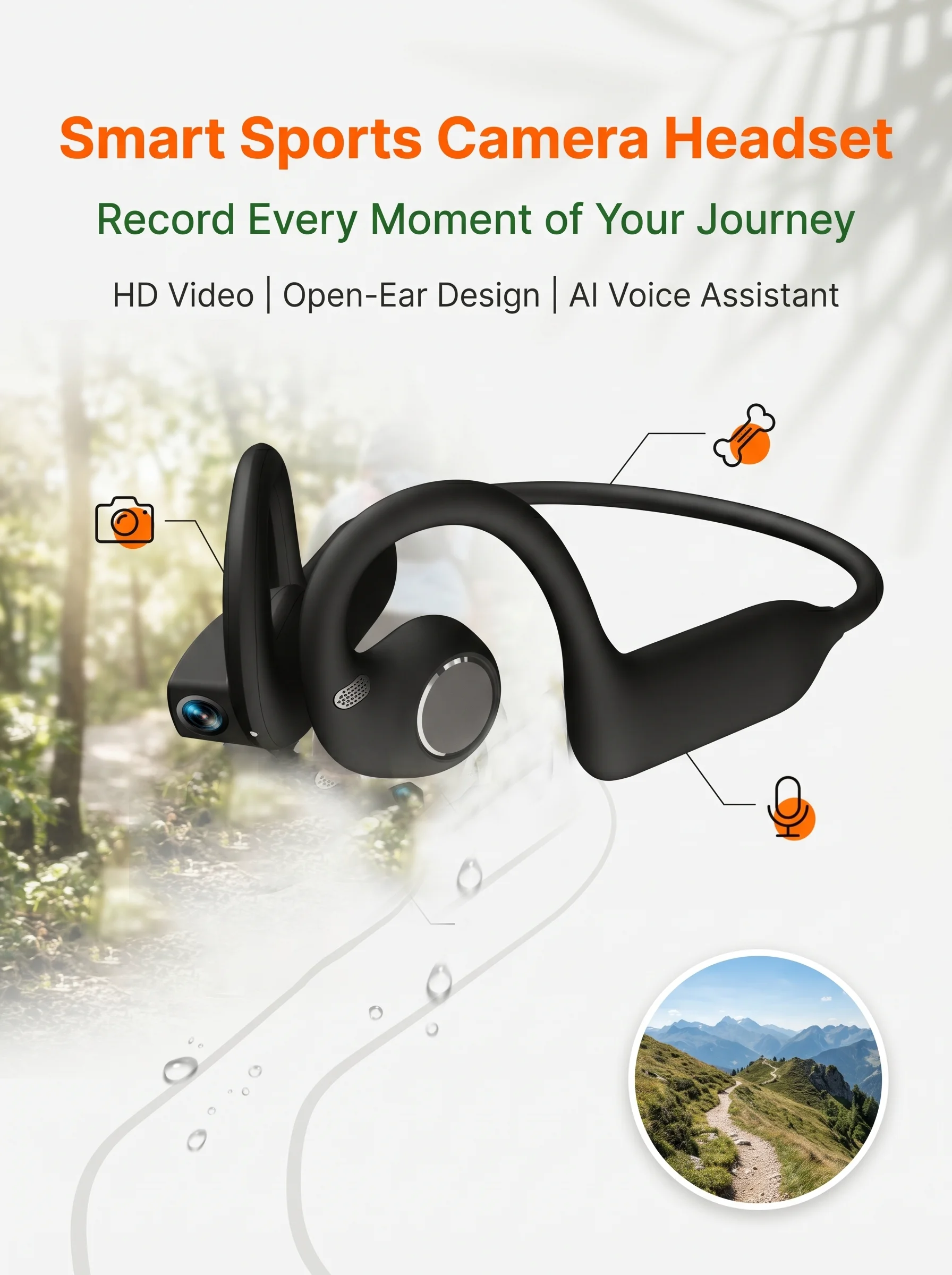
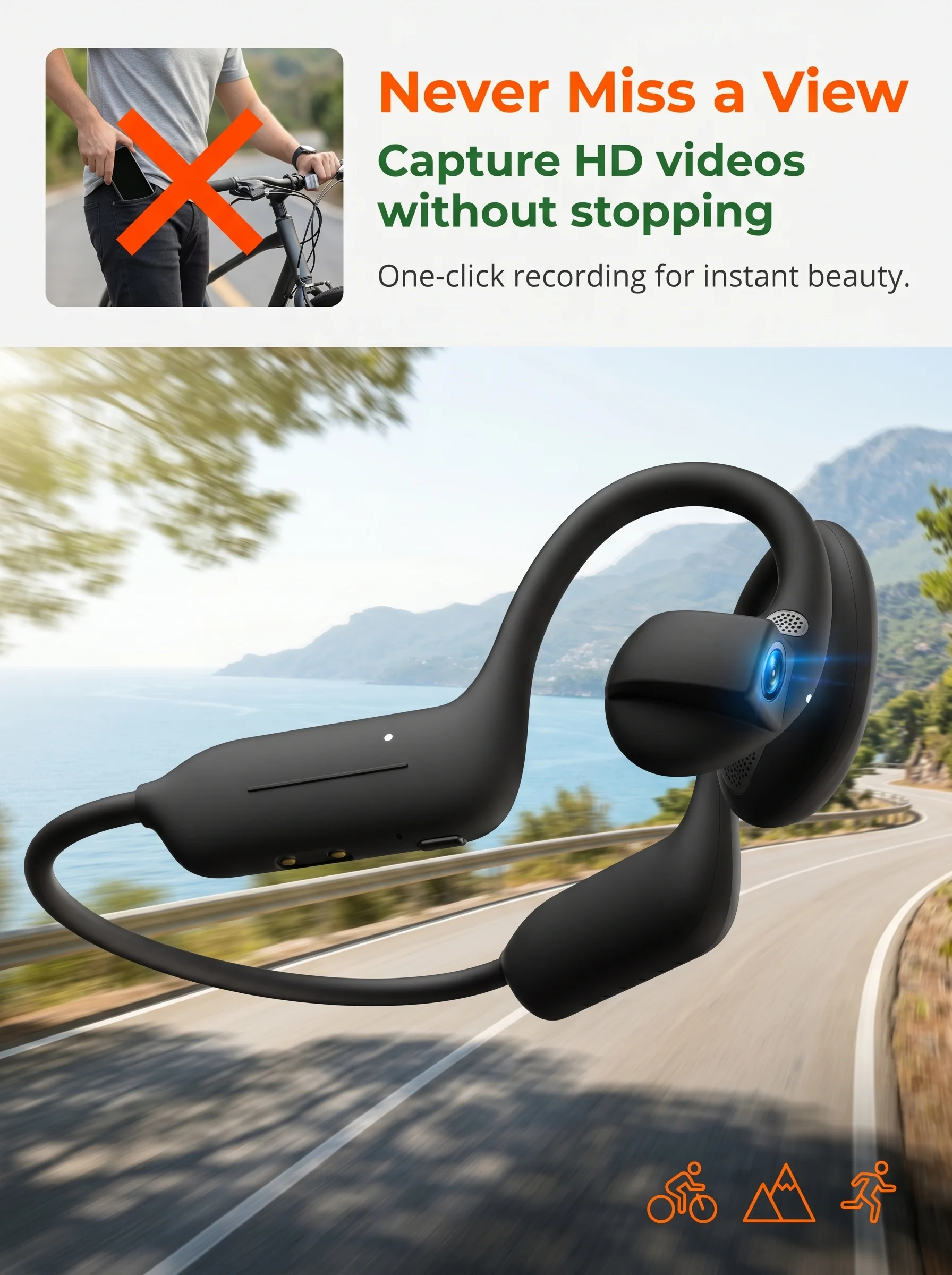
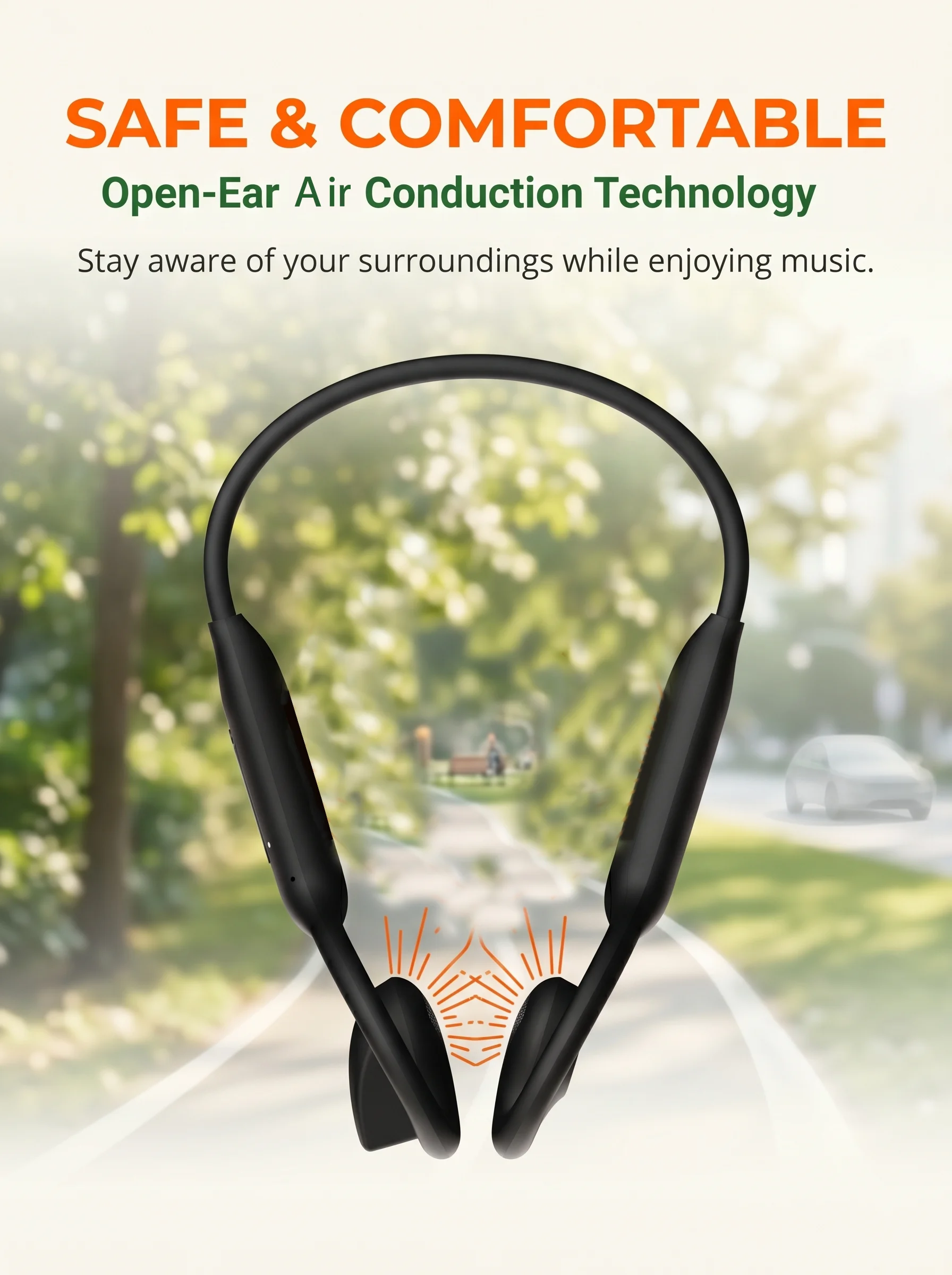
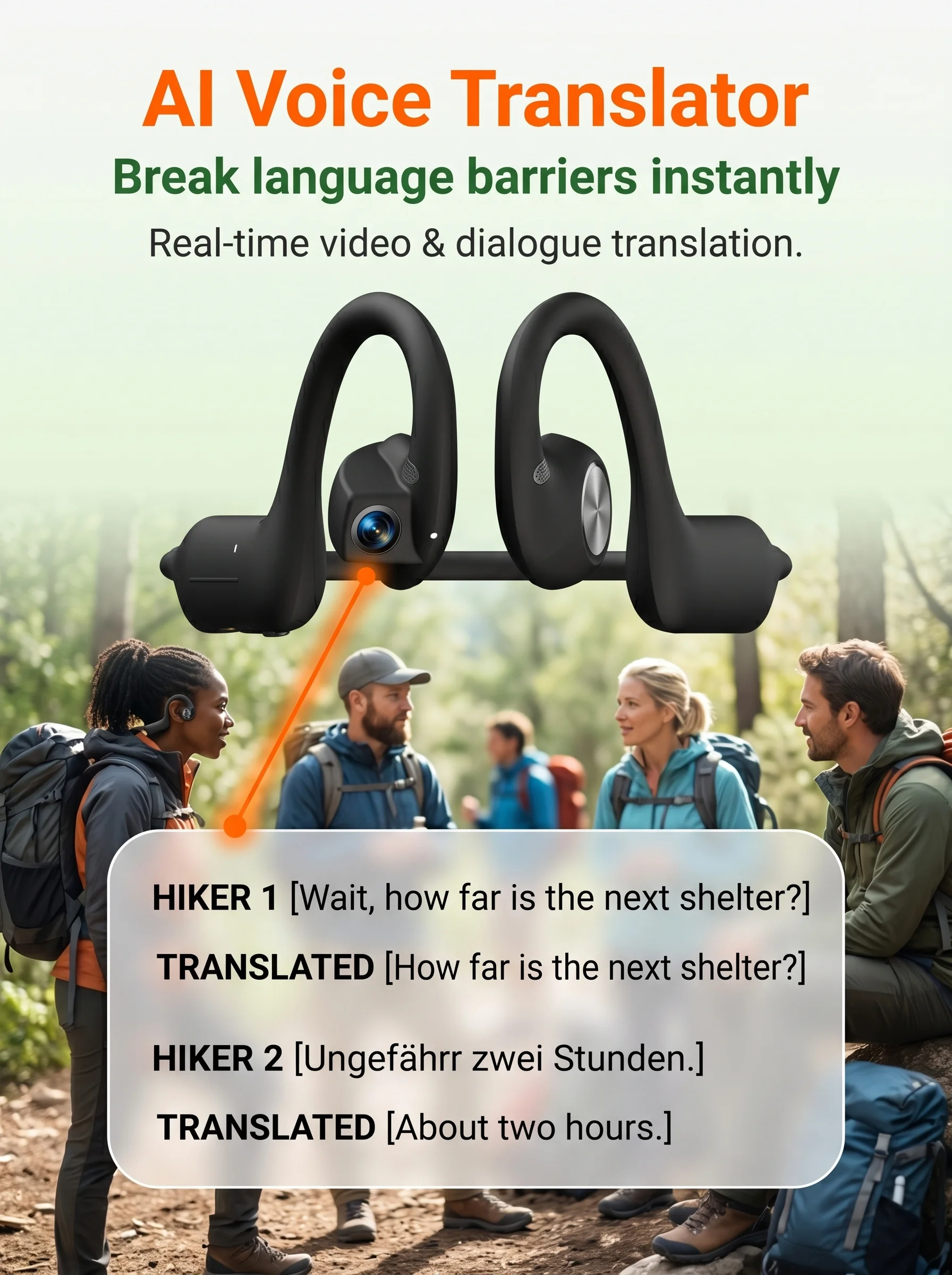
AI Camera Headphones 8MP HD Recording Smart AI Translation Ear Hanging Air Conduction Earphones Bluetooth Outdoor Cycling Record
$91.99 USD$179.39 USD49% off
This deal will end in
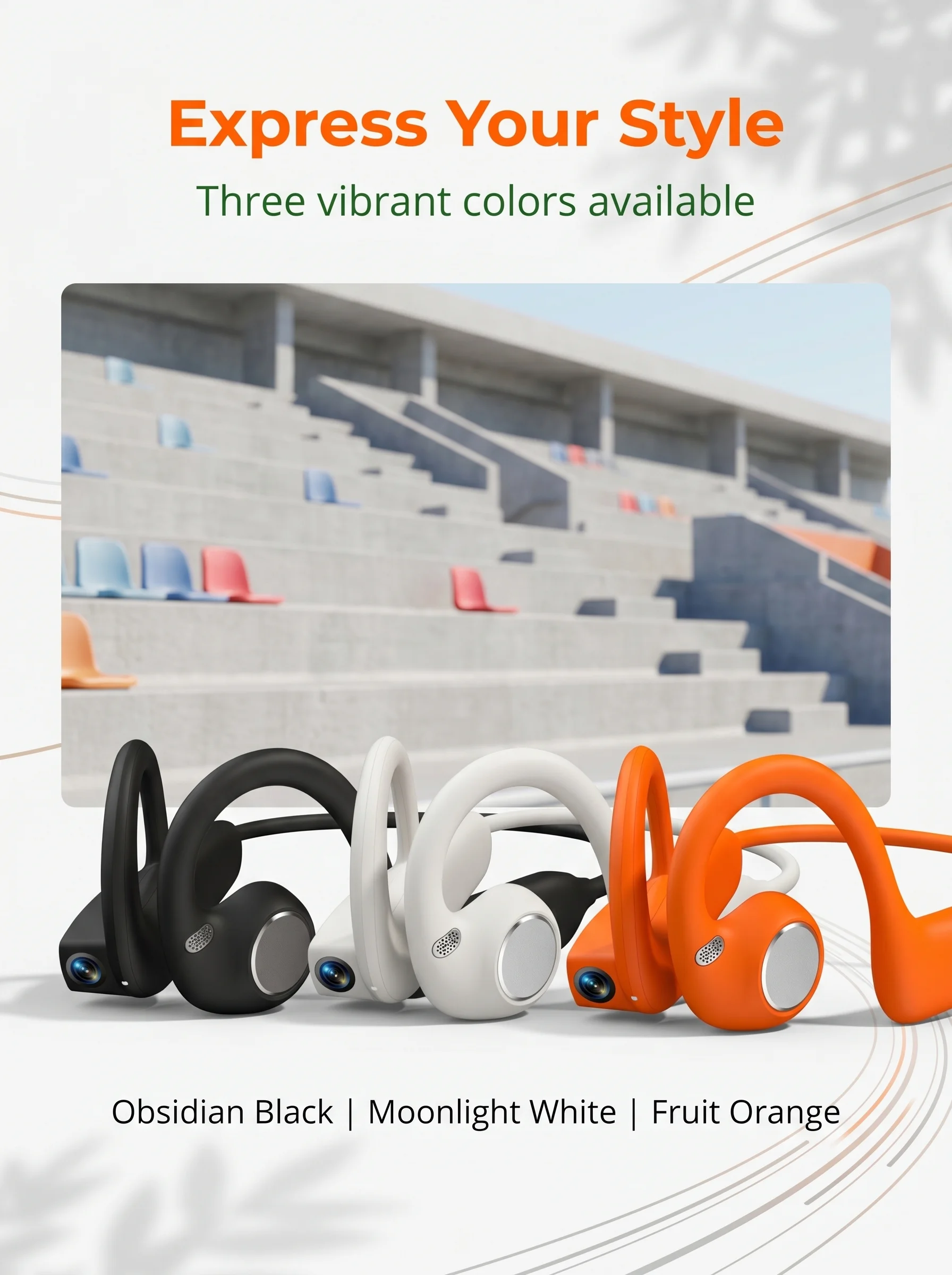
Color: Orange


Headphone parameters
Storage: 8GB
DDR:DDR3 1G
FLASH:128M BIT
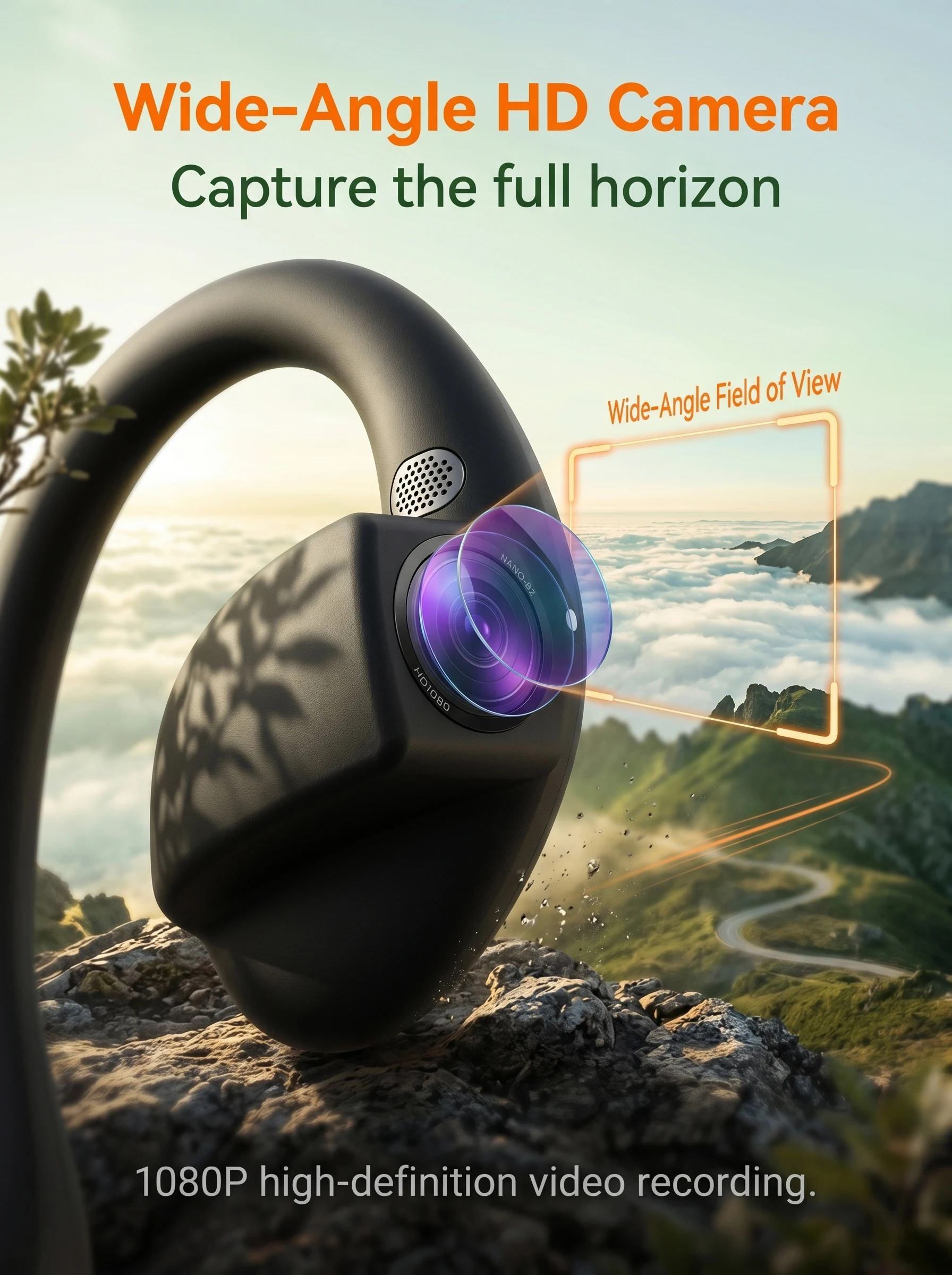
Camera: SONY IMX219 8 million
Anti shake: software anti shake
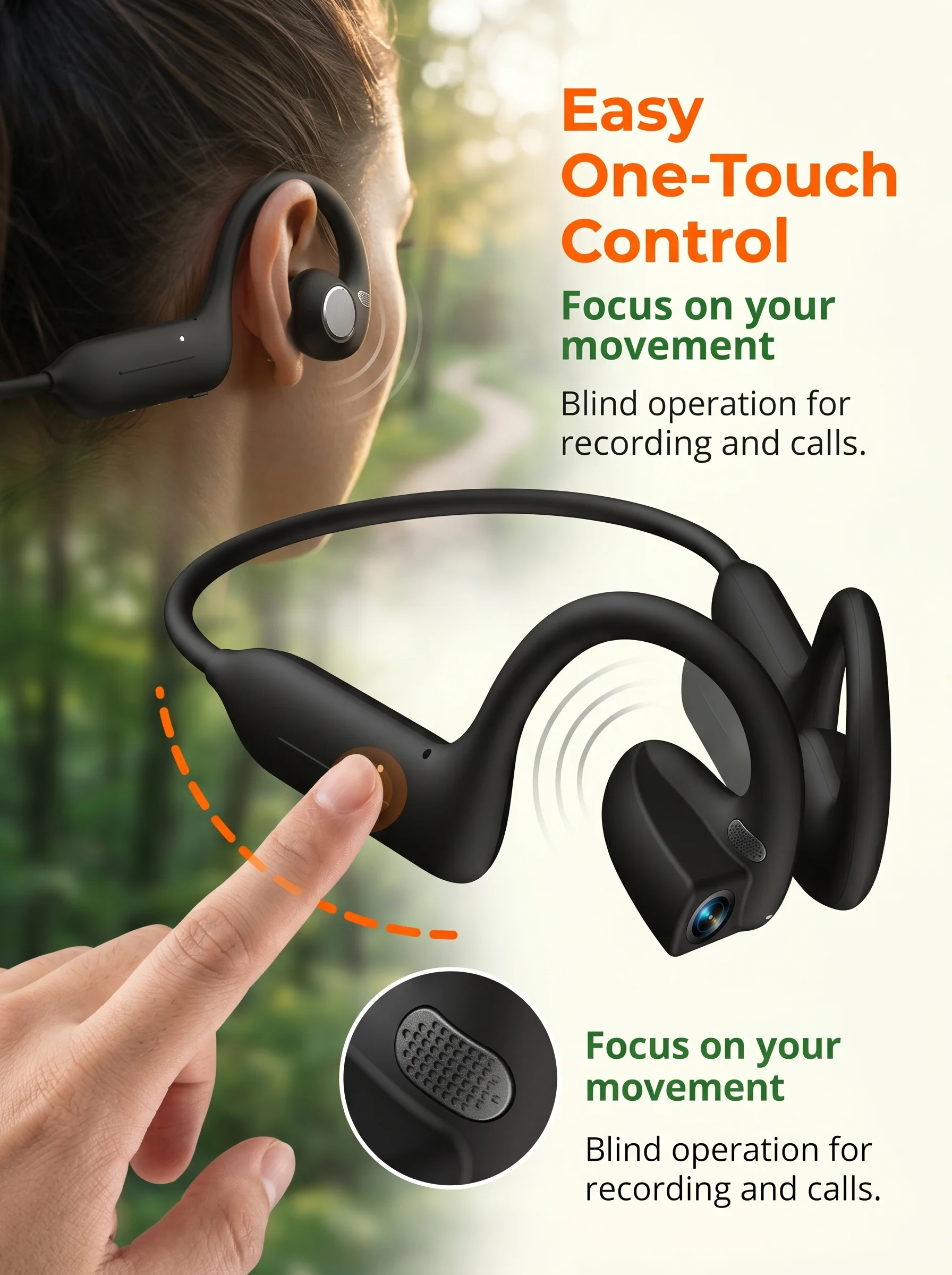
Touch button: 1, camera/video/recording/power on/off
Speaker: HiFi Speaker 16MM
Charging method: Dual PIN magnetic
Data transmission: WIFI transmission
Button:
Power on/off: Long press for 3 seconds to turn on/5 seconds to turn off
Photo: Short press
Recording: Double click the button to enter recording, short press to end recording
Recording: Press three buttons to enter recording, press briefly to end recording
Force restart device: Long press for 10 seconds
Automatic shutdown: If not connected to the app, it will automatically shut down after 3 minutes; Disconnect BT Bluetooth connection after 2 minutes, it will automatically shut down if not connected
Status indicator light:
Not connected: Flashing blue light until connected
Connected: Stop flashing blue light
Shutdown: Flashes red light twice when shutting down
Charging: The red light will turn on while charging, and it will turn off when fully charged
Shooting indicator light:
Photography: Single shot, flash the white light once
Recording: During the recording, the privacy light is white and breathing, while the status light is flashing green
Video recording: In the video, the privacy light is white and breathing, and the status light is white and flashing
Touch control board:
Play/pause music: double-click the touch area, double-click the next track/triple tap the touch area, triple tap the previous track
Adjust volume: slide forward to increase volume, slide backward to decrease volume
Switch to the next track: double-click on the touch area, double-click on the next track/triple tap on the touch area, triple tap on the previous track
Volume increase: Slide the touch area forward to increase the volume
Volume reduction: Slide the touch area backwards to decrease the volume